"We need MSSQL audit logs in Splunk. How long will it take?"
"30 days," I said.
The client looked shocked. "It's just database logs. Why 30 days?"
Here's what most people don't understand about database log onboarding.
Why Database Logs Are Different
Application logs are straightforward: text files, standard formats, predictable locations. Configure a forwarder, point it at the log directory, done.
Database audit logs? Completely different beast.
The Challenges:
- Multiple log formats — Oracle writes XML. MSSQL outputs to SQL tables or .sqlaudit files. Sybase has its own format. There's no standard.
- Performance impact — Enabling audit logging affects database performance. You need DBA approval and testing in non-prod first.
- Volume estimation — How much data will this generate? You need to test for a full week to understand daily patterns and calculate storage requirements.
- Privilege requirements — Reading database audit logs often requires elevated permissions. Security teams need to approve.
- Parsing complexity — Raw database logs aren't human-readable. You need custom props.conf and transforms.conf to make them useful.
The 30-Day Timeline (And Why It's Necessary)
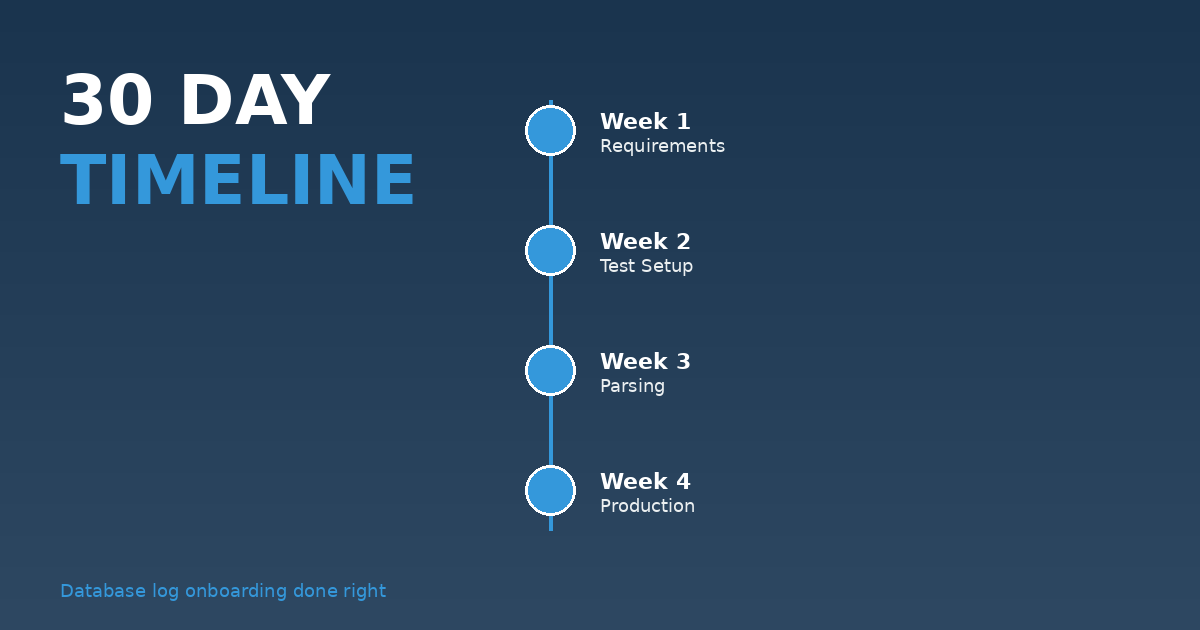
Week 1: Requirements and Design
- Meet with DBAs to understand audit requirements
- Document which actions need to be logged
- Identify test and production databases
- Get approval for performance testing
Week 2: Test Environment Setup
- Enable audit logging on test database
- Measure performance impact
- Calculate log volume over full 7-day period
- Configure test forwarder and validate data flow
Week 3: Configuration and Parsing
- Build props.conf and transforms.conf
- Create field extractions
- Develop test searches to validate data quality
- Build initial use cases and dashboards
Week 4: Production Rollout
- Deploy to production databases (in phases)
- Monitor performance and volume
- Adjust configuration based on actual production patterns
- Document the implementation
Real Case: MSSQL Server Audit Logs
I recently onboarded MSSQL Server audit logs for a DoD environment. The requirement seemed simple: capture all database access for security compliance.
The reality:
- 47 MSSQL servers across the environment
- Each generating 2–5 GB of audit logs daily
- Different versions (2012, 2016, 2019) with different log formats
- Strict performance requirements (no more than 2% DB overhead)
We ran a pilot on 5 servers for two weeks before expanding. Good thing we did — the volume was 3x higher than estimated. We had to adjust index retention policies before rolling out to all 47 servers.
Total timeline: 35 days from kickoff to full production.
What Makes Database Logs Worth It
Despite the complexity, database audit logs are incredibly valuable:
- Compliance — Required for PCI-DSS, HIPAA, NIST 800-53
- Insider threat detection — See exactly who accessed what data when
- Forensics — Critical for incident response and investigations
- Change tracking — Monitor DDL changes (table creates, alters, drops)
The Shortcut That Fails
I've seen teams try to skip the testing phase: "Just turn it on in production, we'll deal with any issues."
This always fails. Database logging at scale has unpredictable impacts. One client's "quick implementation" brought down three production databases due to excessive logging overhead. They had to emergency-disable audit logging at 2 AM.
Testing isn't optional. It's how you avoid production incidents.
The Checklist
Before you onboard database audit logs:
- ☐ DBA approval for enabling audit logging
- ☐ Performance testing in non-prod (minimum 7 days)
- ☐ Volume estimation and storage planning
- ☐ Custom parsing configuration
- ☐ Use case development (what will you search for?)
- ☐ Phased production rollout plan
- ☐ Rollback procedure if issues arise
If you're being pressured to "just get database logs into Splunk quickly," push back. Done right, it takes time. Done wrong, it causes outages.
Have you onboarded database audit logs? What challenges did you face? Share below.