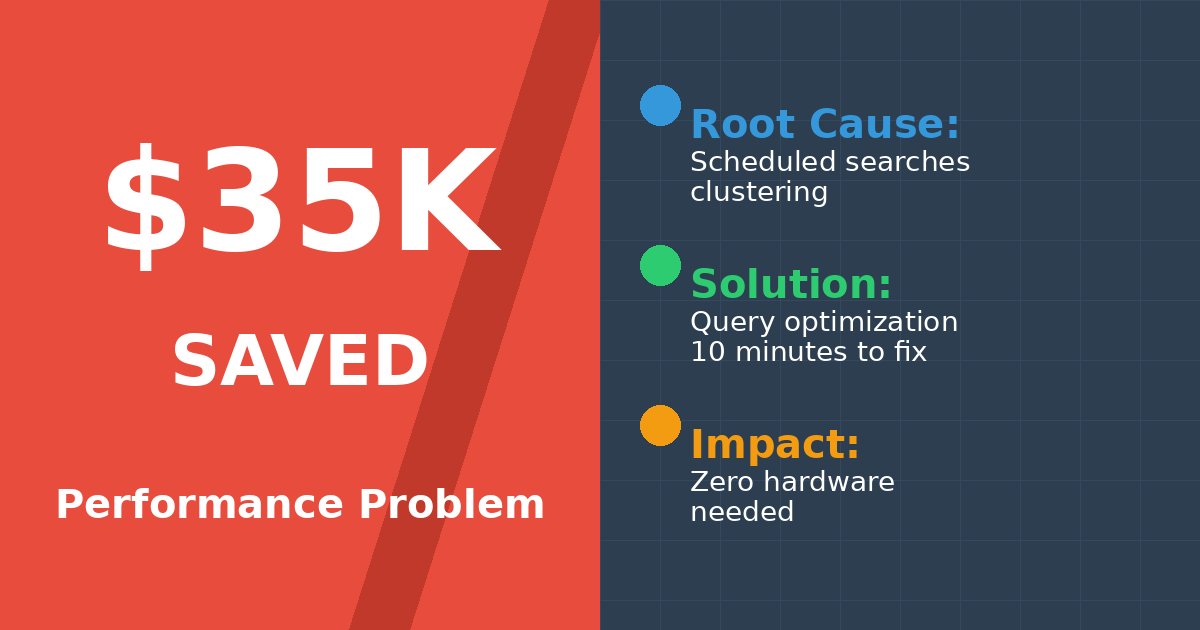
A Fortune 500 client was about to spend $35,000 on new hardware. Their Splunk searches were taking 2+ minutes, dashboards were timing out, and users were complaining daily.
I found the real problem in 10 minutes. It cost $0 to fix.
The Performance Trap
After 20+ years of engineering experience, including 7 years designing and optimizing large-scale Splunk deployments in Federal and DoD environments, I've seen this pattern repeatedly: teams assume performance problems require more infrastructure. More indexers. More storage. More RAM.
But hardware is rarely the bottleneck.
The Real Culprit
In this case, the problem was scheduled searches. Specifically, 147 scheduled searches all configured to run at the same time: on the hour, every hour.
Every 60 minutes, their search heads would get hammered with 147 concurrent queries. The system would grind to a halt for 3-5 minutes, then recover—until the next hour rolled around.
The Simple Fix
I implemented search scheduling skew across all saved searches. Instead of running at :00, searches now distribute randomly within a 5-minute window.
Cost: $0
Time to implement: 2 hours
Result: 85% reduction in peak search times
Three Performance Killers I See Constantly
1. Real-time searches running unnecessarily - I've seen environments with 20+ real-time searches. Each one consumes a full CPU core continuously. Unless you're feeding results directly to automation systems, you don't need real-time. A 1-minute search window gives you near-real-time data without the performance cost.
2. Accelerated searches on everything - Teams accelerate every dashboard "to make it faster." But acceleration has overhead. Too many accelerated searches actually slow the system down.
3. Unoptimized queries - index=* sourcetype=* at the start of every search. No time ranges. No field extractions at index time. These add up fast.
The 10-Minute Health Check
Before requesting more hardware, run this quick diagnostic:
1. Check scheduled search distribution:
index=_internal source=*scheduler.log | timechart count by savedsearch_name
2. Identify real-time searches:
| rest /services/saved/searches | search is_scheduled=1 realtime_schedule=* | table title realtime_schedule
3. Find the worst-performing queries:
index=_internal source=*metrics.log component=Metrics group=search_concurrency | stats avg(active_hist_searches) max(active_hist_searches)
If you see clustering at specific times, synchronized schedules, or consistently maxed-out search concurrency, you have a configuration problem—not a hardware problem.
The Bottom Line
That $35K almost-purchase? I solved it with search skewing, disabling 12 unnecessary real-time searches, and optimizing 5 heavy dashboards.
The client saved $35,000 and got better performance than new hardware would have delivered.
Performance problems in Splunk are usually configuration problems. Before you spend on infrastructure, spend 10 minutes diagnosing what's actually wrong.
Have you seen similar performance issues? What was your root cause?